Illustrative workflow · Showcase image is not generated by this example.
01 / DISCOVER
01. Choose a reference.
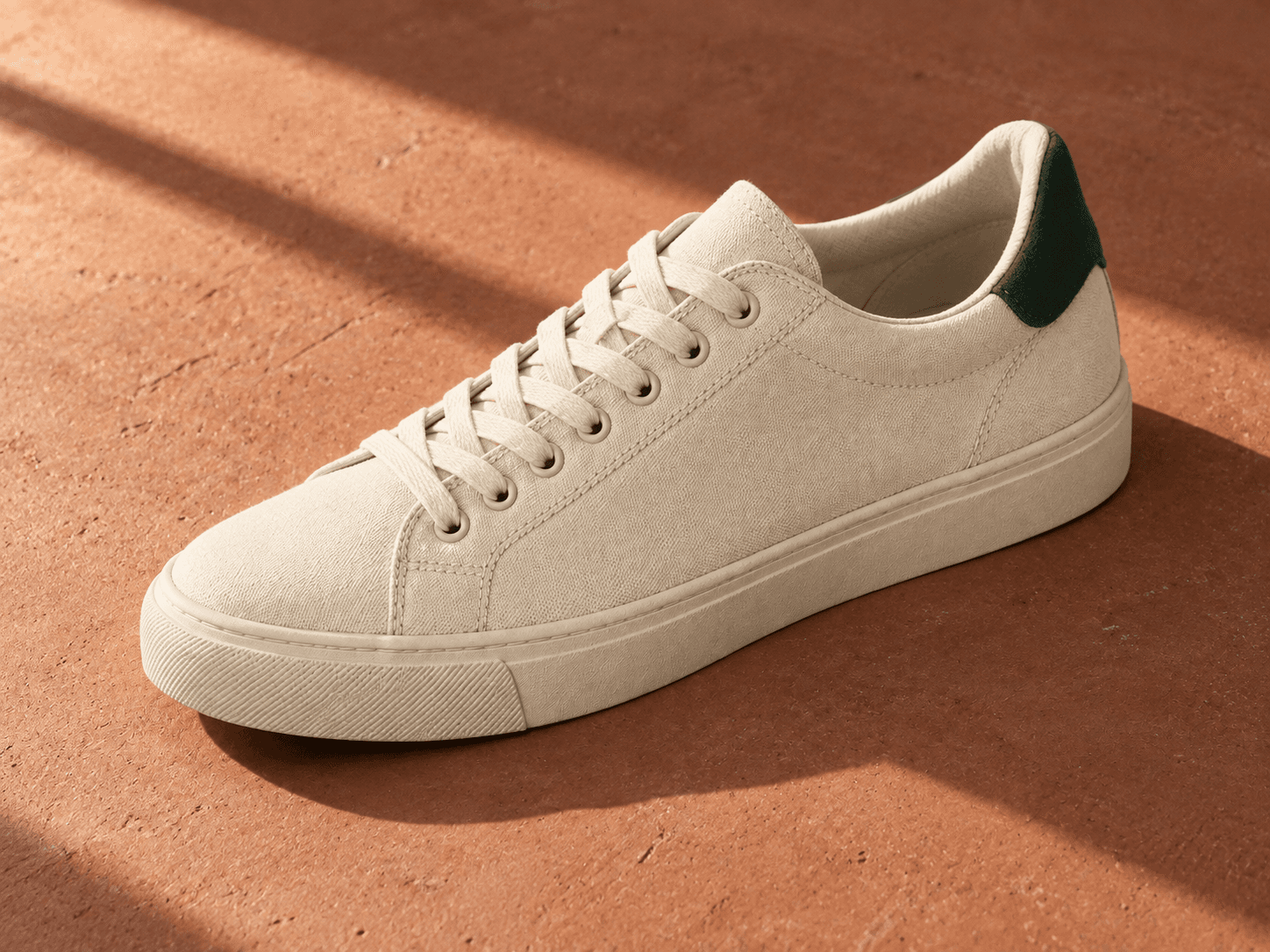
Start with an example you can evaluate visually. This product study makes the subject, material, and lighting easy to identify before editing the prompt.
sanPromptPLAYGROUND / EXAMPLE
A visual starting point
Product study. Canvas sneaker.
ProductCanvasSoft light
Explore a creative direction ↗
02 / CUSTOMIZE
02. Adjust the variables.
Keep the subject fixed while changing the setting and light. Named variables make those decisions explicit instead of hiding them inside a paragraph.
sanPromptPLAYGROUND / EXAMPLE
A few details, made yours
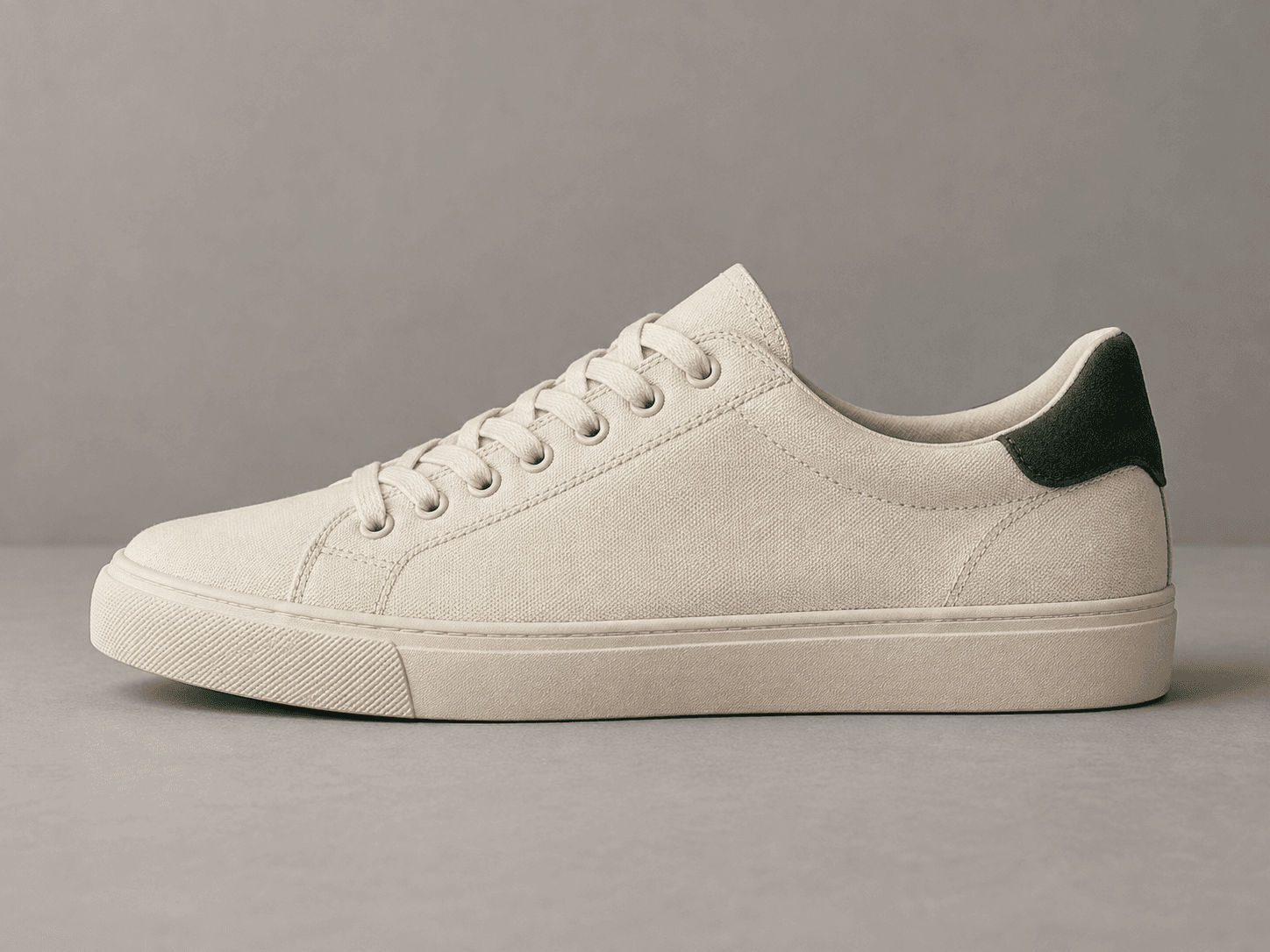
SUBJECTCream canvas sneaker⌄
SETTINGTerracotta surface⌄
LIGHTDirectional sunlight⌄
3 variables / Your choices
03 / ASSEMBLE
03. Take the prompt with you.
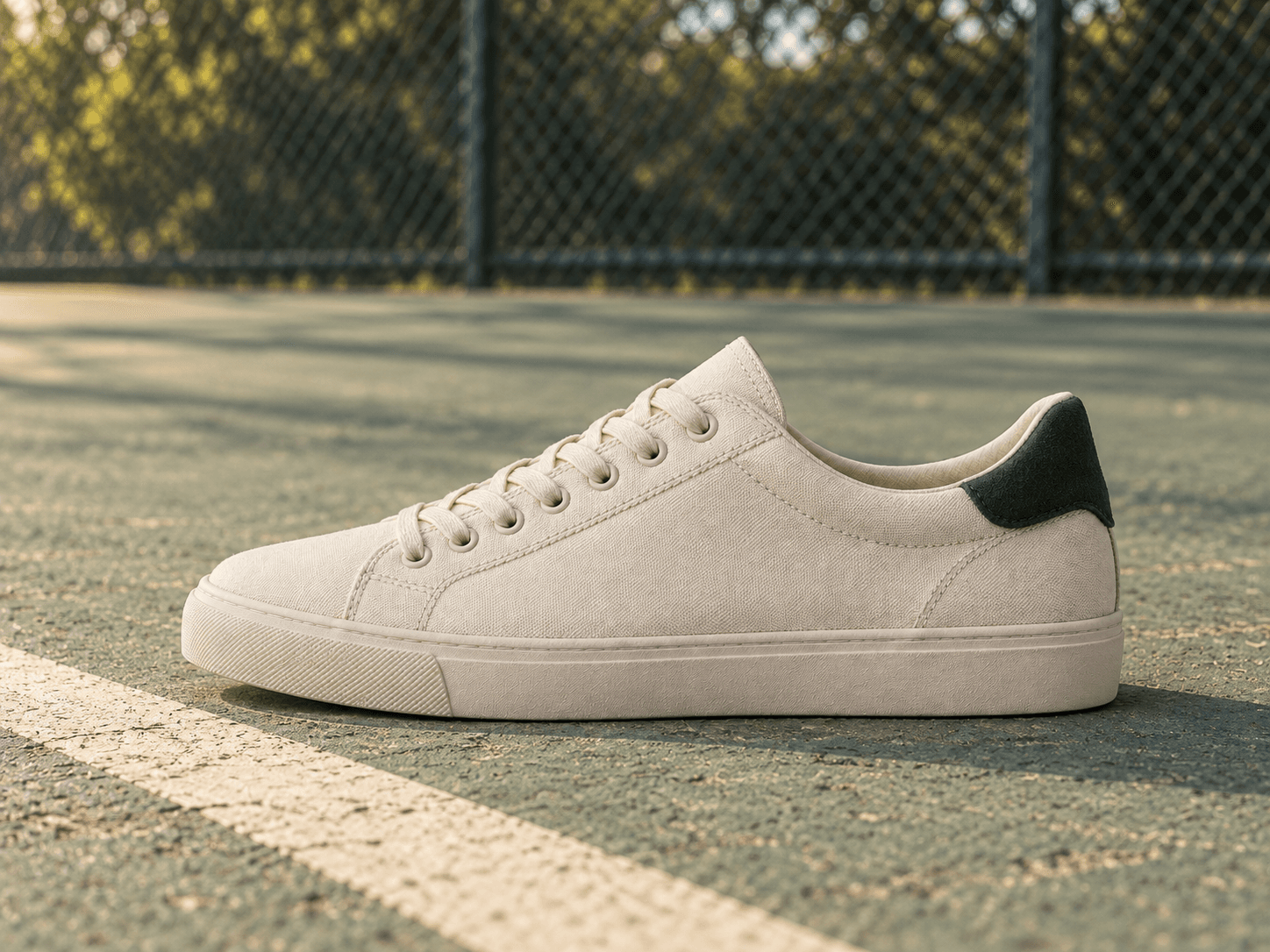
The output is editable prompt text for your image tool. This outdoor study illustrates another direction; it is an existing example, not a live generated result.
sanPromptPLAYGROUND / EXAMPLE
Your assembled direction
Cream canvas sneaker, weathered outdoor court, green wire fence, late afternoon light.
Ready for your model workflow ↗
THE PRODUCT DECISION
Keep the structure. Expose the choices.
01 / DISCOVERY
Make a prompt easier to judge.
A long block of text is hard to evaluate on its own. Visual references and categories help creators choose a direction before working through the details.
02 / YOUR LIBRARY
Make a prompt easier to reuse.
The library keeps accessible templates together. The Playground separates editable variables from the underlying structure, so a new subject does not require starting over.
THE PRACTICAL PART
Before you begin.
Does this page generate images?+
No. The example shows how variables become a prompt. The image is existing sanPrompt showcase artwork, not a live result of the example text.
How do I get access?+
Email to ask about early access and current availability. Purchases are not currently available on this site.
Will every model produce the same result?+
No. Results depend on the model, settings, and prompt. Review the model guidance and license information for each template before using it.

 sanPromptPLAYGROUND / EXAMPLE